Choosing the best free WordPress themes for beginners can feel overwhelming. There are thousands of options on WordPress.org, and most listicles just dump 20 names without telling you why any of them actually matter to someone starting from scratch.
This guide is different. After testing over 40 themes across real beginner websites — blogs, portfolios, small business pages, and online stores — we narrowed it down to the themes that look stunning, load fast, and won't make you want to throw your laptop out the window when you're customizing them.
Whether you're building your first blog, a freelance portfolio, or a small business website, the right WordPress theme is the foundation everything else is built on. Let's make sure yours is solid from the start.
All themes in this guide are 100% free, available directly from the official WordPress Theme Directory, and compatible with the latest WordPress 6.x block editor (Gutenberg).
What to Look for in a Free WordPress Theme (Before You Install Anything)
Most beginners pick a theme based on a screenshot. That's a mistake. A beautiful screenshot can hide a bloated, slow, or poorly supported theme underneath. Here's what actually matters:
- Active development & recent updates — A theme last updated in 2021 is a liability. WordPress evolves fast.
- Mobile-first, responsive design — Over 60% of web traffic is on mobile. Your theme must look great on phones.
- Block editor (Gutenberg) compatibility — The classic editor is fading. Make sure your theme works natively with the block editor.
- Page builder compatibility — If you plan to use Elementor or GenerateBlocks, verify the theme plays nicely.
- Google PageSpeed score above 80 — Slow themes kill SEO. Test before committing.
- WooCommerce support — Even if you're not selling now, future flexibility is worth having.
- Strong review count & rating — Aim for 4.5+ stars and 500+ active installs minimum.
- Accessible design — Good themes follow WCAG accessibility guidelines.
Always check a theme's changelog on WordPress.org. Regular, small updates signal an active developer. Long gaps signal abandonment — and eventually, security vulnerabilities.
The Best Free WordPress Themes for Beginners in 2026
1. Astra — The Fastest Free Theme for Beginners
If there's one theme that dominates beginner conversations in 2026, it's Astra. With over 1.8 million active installations, it has become the de facto choice for new WordPress users — and for good reason.
Astra's free version loads in under 0.5 seconds, ships with zero jQuery dependency, and includes a handful of starter templates that make building a real-looking site a matter of clicking "Import." The Customizer options are clean and intuitive, which is crucial for beginners who don't want to touch code.
Real-world use case: A freelance photographer used Astra's "Photography" starter template to launch a portfolio in a single afternoon. She changed the colors, swapped in her images, and had a Google PageSpeed score of 94 on mobile — without touching a single line of CSS.
- Blazing fast (sub-0.5s load)
- 150+ starter templates
- Full block editor support
- WooCommerce ready
- Lightweight (50KB)
- Advanced features need Pro
- Starter templates need Starter Templates plugin
- Some customization limits in free
2. Neve — The Best Free Theme for Modern Websites
Neve by ThemeIsle offers a modern, mobile-first design with native support for all major page builders — Elementor, Divi, Beaver Builder — and the WordPress block editor. Its modular header and footer builder, available even in the free version, lets you drag and drop elements like your logo, navigation, and social icons without coding.
- Drag-and-drop header builder
- Works with all page builders
- AMP compatible
- Great onboarding wizard
- Onboarding can feel overwhelming
- Best features need Neve Pro
3. Kadence — The Smartest Free Theme for Growing Sites
Kadence offers a generous free tier — including a full-featured global color palette, typography controls, and a header builder. If you're planning to grow your site and don't want to switch themes later, Kadence is the most "future-proof" free option available.
4. OceanWP — The Best Free Theme for WooCommerce Beginners
Starting an online store? OceanWP is built with e-commerce in mind, including dedicated WooCommerce templates, a floating cart, and product quick views — features that typically require paid extensions in other themes.
5. Hello Elementor — The Best Free Theme if You're Using Elementor
If you've decided to build your site with Elementor, Hello Elementor is the perfect companion. It's intentionally minimal — almost blank — to let Elementor do 100% of the design work, meaning zero overhead and faster load times.
6. GeneratePress — The Best Free Theme for SEO-Focused Sites
GeneratePress produces clean, semantic HTML that search engines love. The free version is incredibly lightweight (under 30KB) and has a structure that makes schema markup and technical SEO easier to implement.
Side-by-Side Comparison: Best Free WordPress Themes for Beginners
| Theme | Speed | Ease of Use | WooCommerce | Starter Templates | Header Builder | Best For |
|---|---|---|---|---|---|---|
| Astra | Excellent | ★★★★★ | ✓ Yes | 150+ | Limited | All-rounder |
| Neve | Excellent | ★★★★★ | ✓ Yes | 100+ | Full | Services / Agencies |
| Kadence | Excellent | ★★★★★ | ✓ Yes | 50+ | Full | Growing sites |
| OceanWP | Good | ★★★★☆ | ✓ Yes | 200+ | Partial | Online stores |
| Hello Elementor | Excellent | ★★★☆☆ | ✓ Yes | Via Elementor | ✗ No | Elementor users |
| GeneratePress | Outstanding | ★★★★☆ | ✓ Yes | ✗ No | ✗ No | SEO & Bloggers |
How to Install a Free WordPress Theme (Step-by-Step for Beginners)
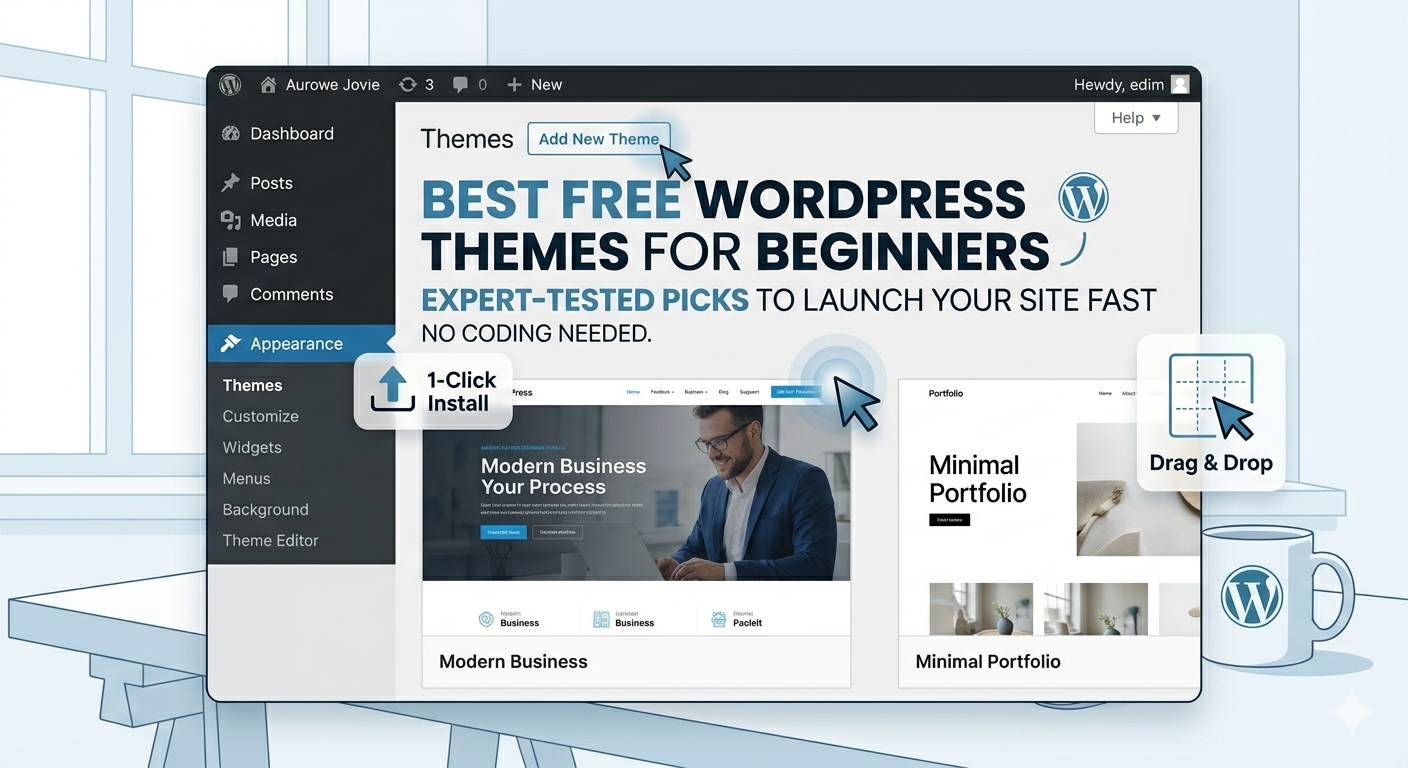
Installing a theme sounds technical, but WordPress makes it genuinely simple. Here's the exact process:
Log in to your WordPress dashboard
Go toyoursite.com/wp-adminand enter your credentials.Navigate to Appearance → Themes
In the left sidebar, hover over "Appearance" and click "Themes."Click "Add New Theme"
A search bar will appear. Type the name of the theme you want (e.g., "Astra" or "Kadence") and hit Enter.Hover over the theme and click "Install"
Once you find your theme, click the blue "Install" button.Click "Activate"
After installation, click "Activate" to make the theme live.Customize your theme
Go to Appearance → Customize to adjust colors, fonts, and layout.
Before activating a new theme on a live site, use a staging environment. Most quality hosting providers offer free staging sites with one click.
Common Mistakes Beginners Make When Choosing Free WordPress Themes
Even with a great theme list, beginners still fall into traps. Avoid these mistakes:
Mistake #1: Choosing Based on Screenshots Alone
Demo screenshots are professionally designed. Instead, look for themes with starter templates that give a realistic starting point.
Mistake #2: Installing Too Many Plugins to Compensate
Choose a theme that natively covers your core needs. Kadence and Neve both offer header builders, color controls, and layout options.
Mistake #3: Ignoring Mobile Performance
Always run a theme through Google PageSpeed Insights on the mobile tab before committing.
Avoid downloading free WordPress themes from random third-party websites. Only install themes directly from WordPress.org or reputable developers' official sites.
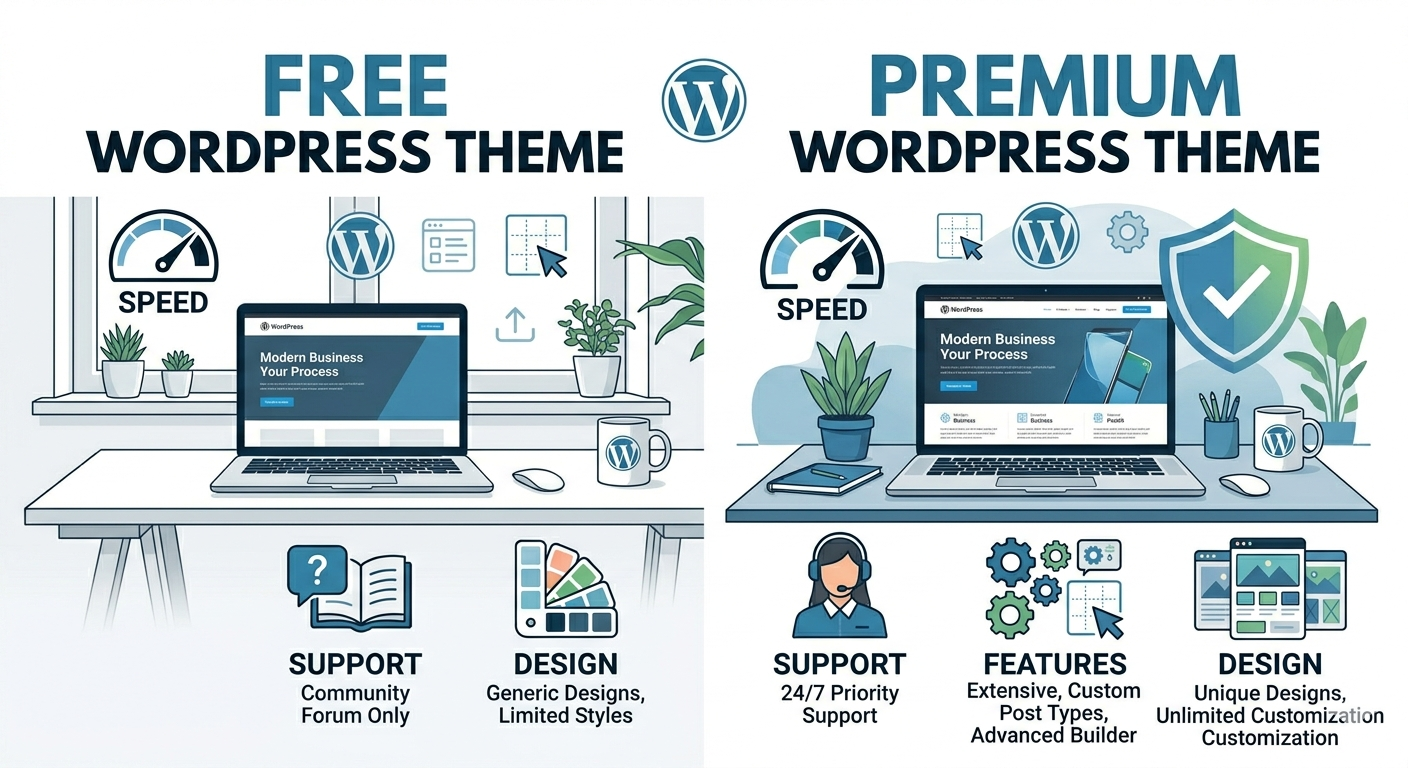
Free vs. Premium WordPress Themes: Is Free Good Enough for Beginners?
Yes, absolutely — for most beginners, the free versions of Astra, Kadence, or Neve are more than sufficient to build a professional, high-performing website.
🏆 Our Top Recommendation
For most beginners in 2026, Kadence (free) is the single best choice. It has the most generous free tier, the best global design controls, and an active development team.
Frequently Asked Questions About Free WordPress Themes for Beginners
Are free WordPress themes safe to use?
Yes — as long as you download them from WordPress.org. The WordPress theme review team manually vets every theme for security.
Can I use a free theme for a professional business website?
Absolutely. Many successful businesses run on free themes. The key is choosing the right theme and using quality photography and content.
What is the most beginner-friendly free WordPress theme?
Astra and Kadence tie for most beginner-friendly. Both have intuitive interfaces, extensive documentation, and active communities.
Final Verdict: Which Free WordPress Theme Should a Beginner Choose?
- 🏆 Best overall: Kadence — Most generous free features, future-proof, and beautifully designed
- ⚡ Fastest & most popular: Astra — Largest community, most starter templates
- 🎨 Best design flexibility: Neve — Header builder and PageSpeed scores are outstanding
- 🛒 Best for online stores: OceanWP — WooCommerce features beyond most free themes
- 🔌 Best for Elementor users: Hello Elementor — The logical choice if you're going all-in on Elementor
- 🔍 Best for SEO blogging: GeneratePress — Clean HTML for content sites
Pick one, install it, and start building. The biggest mistake isn't choosing the "wrong" theme — it's spending so long deciding that you never start at all.
Once your theme is set, check out our guide on → Essential WordPress Plugins for Beginners and learn how to → Optimize Your WordPress Site for SEO in 2026.